Finding high-quality leads in any city with free tools (2026 How-To Guide)
Disclosure: This page contains affiliate links. We may earn a commission if you purchase through these links, at no extra cost to you. We only recommend tools we use and trust.
Want more leads from Google Maps?
MapsLeadEngine scrapes, scores, and enriches local business data — automatically.
Finding high-quality leads in any city with free tools (2026 How-To Guide)
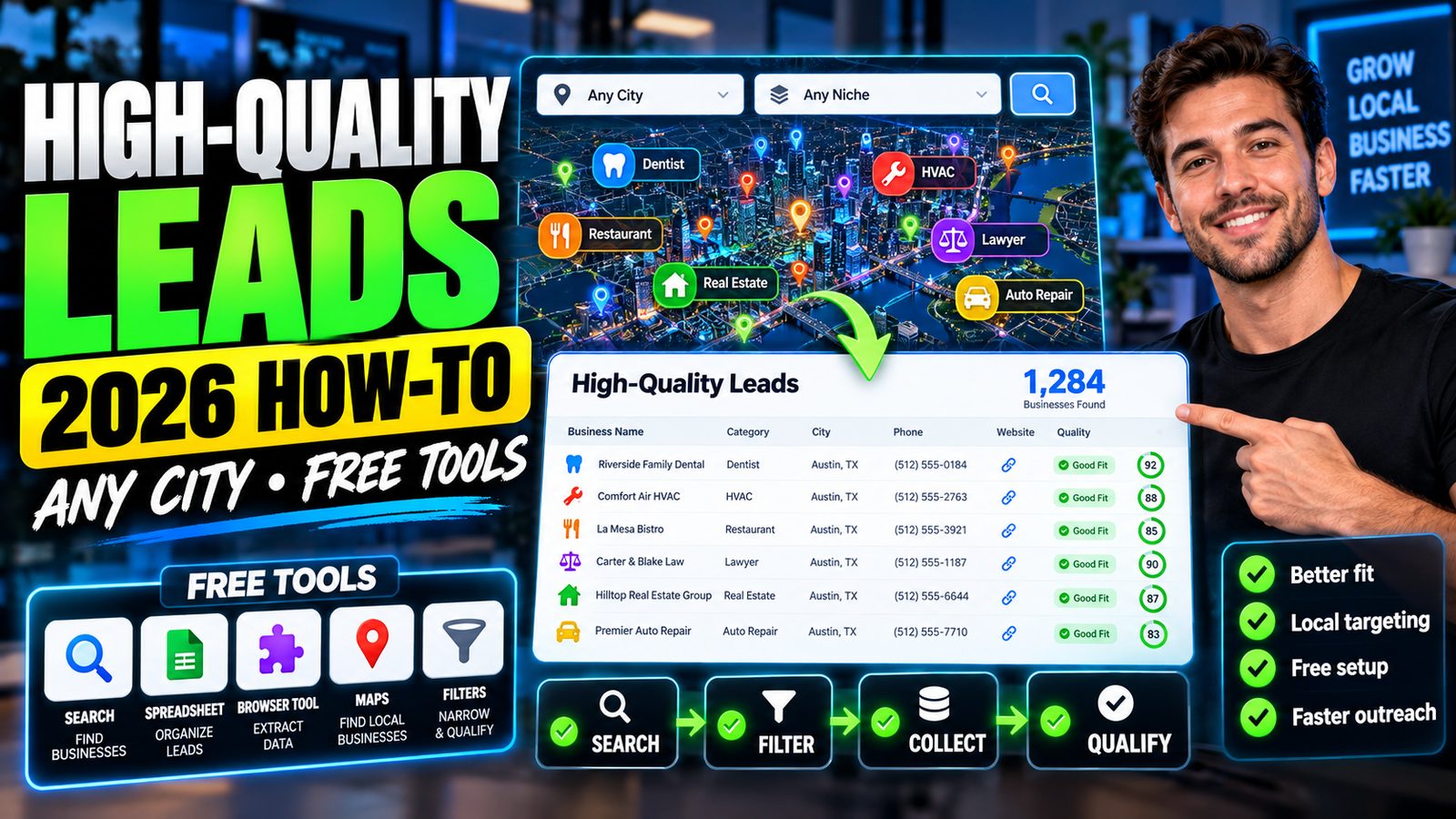
Finding high-quality leads in any city with free tools means: pick one niche + one city, pull a verified prospect list from Google Maps and public directories, qualify by 3–5 objective signals (reviews, category fit, site quality), then contact owners using free lookup methods and track follow-up in a free CRM.
The problem: “I can find businesses, but not high-quality leads”
Most people can scrape a list of businesses in minutes. The hard part is filtering for high-intent prospects you can realistically win—without paying for data tools.
Common issues I see with agencies and freelancers: - You contact businesses that won’t buy (too small, owner-operator, or already well-served). - You don’t have a repeatable way to qualify leads across different cities. - You can’t find decision-maker contact info without a paid database. - You don’t follow up consistently, so good leads go cold.
This guide gives you a repeatable, free workflow to build a 50–150 lead list per city in 60–120 minutes, with qualification baked in.
Screenshot-style diagram of the workflow: City + Niche → Google Maps list → Qualification score → Find contacts → Outreach + CRM tracking
Step-by-step solution (3–5 steps)
Step 1: Choose a “city + niche + offer angle” that creates urgency
High-quality leads come from relevance. Don’t start with “any business in Chicago.” Start with a tight segment.
Pick: - City: one metro area (e.g., “Austin, TX”) - Niche: one category (e.g., “roofers”, “dentists”, “med spas”, “HVAC”) - Offer angle: one measurable outcome (e.g., “more booked calls”, “more quote requests”, “improve Google Maps ranking”)
Free tools: - Google (search volume + local competition check) - Google Maps (market density check)
How to validate in 10 minutes (free):
1. Search Google: roofing company Austin TX
2. Open top 10 map results.
3. If you see weak websites, low review velocity, or messy listings, that’s opportunity.
4. If everyone is polished and running ads, your close rate may drop.
Rule of thumb (for lead quality): - Aim for niches where the customer value is high (jobs worth $1k–$15k+), so marketing spend is justified.
Step 2: Build a city lead list for free (Google Maps + spreadsheets)
You can build a strong initial list from Google Maps without scraping tools.
Process (30–45 minutes):
1. Open Google Maps.
2. Search: [service] in [city] (example: roofing contractor in Austin)
3. Open each listing in a new tab and collect:
- Business name
- Primary category
- Website URL (if any)
- Phone number
- Address / service area
- Review count + rating
- “Claimed” cues (photos, posts, Q&A activity)
4. Paste into Google Sheets.
Make it faster (still free): - Use a simple sheet template with dropdowns for qualification (below). - Work in batches of 20 listings.
Important limitation (honesty):
- Google Maps only shows a portion of businesses per query and can vary by location and personalization.
- To reduce bias, also run 2–3 variations:
- best [service] in [city]
- [service] near [neighborhood]
- [service] [suburb name]
Free sheet columns (recommended): - City - Niche - Business - Website? (Y/N) - Reviews (#) - Rating - Last review date (approx) - Website quality score (1–5) - Google Business Profile activity score (1–5) - “Fit notes” - Contact name (later) - Email (later) - Outreach status
Step 3: Qualify leads with a simple 10-point score (so you contact fewer, better prospects)
This is where “high-quality leads” happen. You’re looking for ability to pay + clear gap you can fix + evidence they want growth.
Use this 10-point lead score (free, quick)
Score each lead 0–2 on five factors:
- Commercial intent (0–2)
- 0: hobby/low-value service
- 1: mid-ticket
-
2: high-ticket or recurring (dental, legal, home services, B2B)
-
Review velocity (0–2)
- 0: last review 12+ months
- 1: last review 3–12 months
-
2: last review within 90 days (they’re active)
-
Website gap (0–2)
- 0: modern site + clear conversion path
- 1: decent site, some gaps
-
2: no site or poor site (slow, no forms, no offer, no tracking)
-
Google Business Profile gap (0–2)
- 0: posts/photos/Q&A optimized
- 1: partially active
-
2: weak category, few photos, no posts, inconsistent info
-
Competition pressure (0–2)
- 0: they dominate already
- 1: mid-pack
- 2: strong competitors nearby outranking them
Target leads with 7–10 points.
That typically yields 20–60 high-quality prospects per city, depending on niche density.
Example Google Sheet with the 10-point scoring columns filled in for five businesses
Step 4: Find decision-maker contact info using free methods (then verify)
Paid contact databases are faster, but you can still do this for free—just expect more time.
Free contact-finding workflow (10–20 minutes per 10 leads)
- Check the website first
- Look for Contact page, About page, footer emails.
-
Look for named owners/team members.
-
Use WHOIS (sometimes works)
- Try ICANN WHOIS lookup for the domain: https://lookup.icann.org/en
-
Limitation: many domains use privacy protection.
-
Check Google Business Profile
-
Some businesses use their best monitored email via website forms or messaging.
-
Use LinkedIn search
- Search:
Owner "[Business Name]"+ city - Or:
"[Business Name]" owner -
You can often identify the owner even if you can’t find an email yet.
-
Use a free email format guess + verify
- Common patterns:
firstname@domain.com,info@domain.com - Verify with free tiers of email verification tools (many offer limited free checks).
- Limitation: free verification quotas are small.
If you need speed (optional paid tools): - RocketReach can reduce lookup time, but it’s not truly free beyond limited credits. - Apollo.io is powerful for B2B, but local SMB coverage varies by niche and region; expect a learning curve.
Step 5: Run a free, structured outreach sequence and track it (don’t “spray and pray”)
The goal is 10–20 conversations from your first city list, not 1,000 emails.
A simple outreach plan you can run in 7 days (free)
Channel mix (recommended): - Day 1: Email - Day 3: Follow-up email - Day 5: Call (or voicemail) - Day 7: “Breakup” email
Email structure (keep it plain): - 1 line personalization (city + specific observation) - 1 clear problem you found (objective) - 1 specific suggestion - 1 CTA (15-min call)
Example (template): Subject: Quick idea for {Business Name} in {City}
Hi {Name} — I’m local to {City}. I noticed your Google listing has {X} reviews, but your website doesn’t show a clear “request a quote” flow on mobile.
If you want, I can record a 3-minute teardown and show 2 quick fixes that usually lift quote requests by 10–25% in home services.
Worth a 15-minute call this week?
Track outreach for free
- Use Google Sheets if you’re starting from zero.
- Or use a free CRM:
- HubSpot CRM (free pipeline + tasks; good for staying organized)
Honest limitation: Manual outreach without automation takes time. If you want to scale follow-ups, platforms like ActiveCampaign or GoHighLevel Starter help—but they aren’t necessary for your first city.
Screenshot mockup of a simple CRM pipeline: New Lead → Contacted → Replied → Call Booked → Won/Lost
Tools & resources that help
Here are the tools used in the workflow, with free options first.
Free tools (enough to get results)
- Google Maps (lead sourcing + basic qualification)
- Google Sheets (list building + scoring + tracking)
- LinkedIn (free) (owner identification)
- ICANN WHOIS (domain ownership lookup): https://lookup.icann.org/en
- Google PageSpeed Insights (website gap evidence): https://pagespeed.web.dev/
- Google Business Profile help docs (for accurate optimization guidance): https://support.google.com/business/
Optional tools (paid, but can save hours)
- CRM + follow-up
- HubSpot CRM (free tier is strong)
- GoHighLevel Pricing (good if you manage multiple clients; learning curve is real)
- Contact discovery
- RocketReach (faster contact lookup; limited free credits)
- Apollo.io (strong for B2B; mixed results for small local SMBs)
- Outbound automation
- Waalaxy (LinkedIn sequences; expect setup time and compliance considerations)
Expected results & timeline
If you follow the steps above, here’s what you can reasonably expect in 2026 for a single city + niche:
Day 1–2 (1–2 hours total)
- Build list: 50–150 raw leads
- Score them: 20–60 high-quality leads (7–10 score)
Day 3–7 (60–120 minutes/day)
- Contact lookup completed for: 20–40 leads
- Outreach sent: 20–40 emails + 10–20 calls
Typical outcomes (realistic ranges)
Results vary by niche, offer, and messaging, but a realistic baseline:
- Reply rate: 5–12% (cold, manual, targeted)
- Positive reply rate: 2–6%
- Booked call rate: 1–4% of contacted leads
(Example: 40 contacts → 0–2 calls is normal; 40 contacts → 3–4 calls is strong.)
What improves results fastest: - Tight niche + specific gap you can prove (speed test, missing conversion path, poor GBP activity) - One strong follow-up (most replies arrive after follow-up #1 or #2) - Calling the same day you email (if you have a phone number)
Big limitation (be aware): Free-only workflows trade money for time. Expect the contact-finding step to be the bottleneck unless you add a paid database.
FAQ — 3–5 questions (People Also Ask)
How can I find local leads without paying for lead databases?
Use Google Maps to build a list, qualify leads using review/website/GBP signals, then find decision-makers via website contact pages, LinkedIn, and WHOIS. Track everything in Google Sheets or a free CRM.
What are the best free lead sources besides Google Maps?
Good free sources include Yelp (limited export), local chambers of commerce, industry association directories, city permit databases (for contractors), and LinkedIn company pages. Combine at least two sources to reduce gaps.
How do I know if a lead is “high quality” before contacting them?
Use objective signals: recent reviews, mid-pack rankings, clear gaps in website conversion, weak Google Business Profile activity, and high ticket value. A simple 10-point score helps you focus on leads likely to buy.
Can I do this for any city, including small towns?
Yes, but list size drops. In small towns you may only find 10–30 qualified leads per niche. The fix is expanding radius (nearby suburbs) or bundling closely related niches (e.g., roofers + siding + gutters).
How many leads should I contact per day for consistent results?
For manual, high-quality outreach: 10–20 per day is sustainable. At that pace, you can contact 200–400 leads/month and usually generate 2–10 sales conversations, depending on niche and offer.
Conclusion with clear next step
You can find high-quality leads in any city with free tools by using Google Maps for sourcing, a simple 10-point score for qualification, and free contact-finding methods—then running a 7-day outreach sequence tracked in Sheets or a free CRM.
Next step: Pick one city + one niche today, build a 50-lead list, score it, and contact the top 20 leads within 48 hours. That’s enough volume to validate your messaging and start booking calls.
Ready to automate your lead generation?
Join hundreds of agencies using MapsLeadEngine to find and close more local deals.