Building a Lead Database of 10,000+ Businesses (2026 How-To Guide)
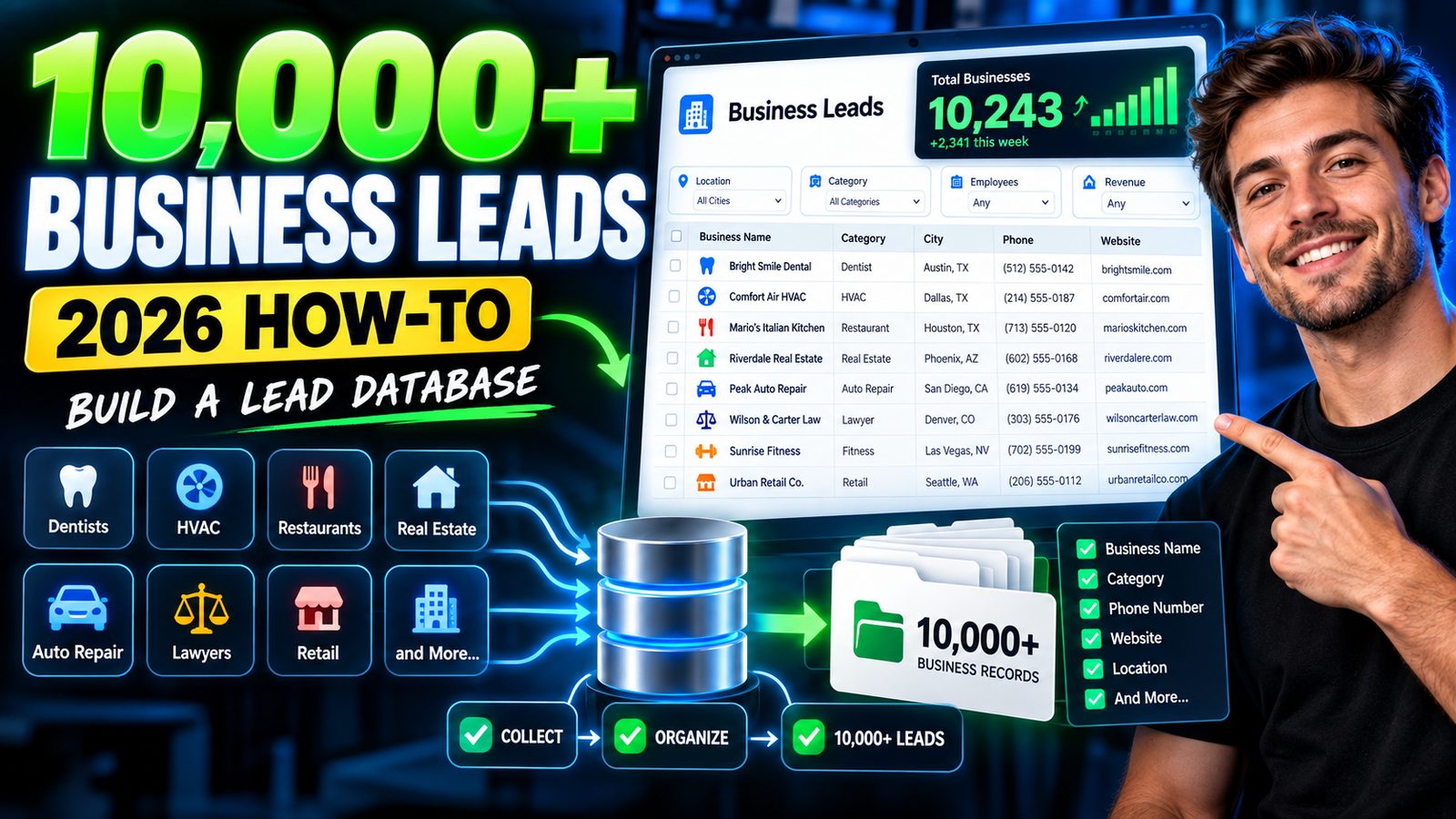
Disclosure: This page contains affiliate links. We may earn a commission if you purchase through these links, at no extra cost to you. We only recommend tools we use and trust.
Want more leads from Google Maps?
MapsLeadEngine scrapes, scores, and enriches local business data — automatically.
Building a Lead Database of 10,000+ Businesses (2026 How-To Guide)
To build a lead database of 10,000+ businesses, define strict filters, pick 2–3 reliable data sources, export in batches, dedupe and validate, then enrich and segment before loading into a CRM. Expect 2–4 weeks and $300–$2,000 in data costs.
The problem: why most 10,000-lead lists fail
Most teams can “download 10,000 businesses” in a day. The real problem is building a usable lead database—one you can email, call, and segment without high bounce rates or duplicates.
Common failure points: - Bad targeting: “All businesses in Texas” is not a market. - Duplicate-heavy exports: the same company pulled from multiple sources. - No deliverability control: you upload a list with stale emails and burn your domain. - No segmentation: 10,000 records, zero prioritization. - Legal risk: ignoring consent/opt-out requirements by region.
This guide gives you a repeatable process to create a 10,000+ business database you can actually use in outbound and lifecycle marketing in 2026.
workflow diagram showing sources → export → dedupe → validate → enrich → segment → CRM
Step-by-step solution (4 steps you can execute this month)
Step 1) Define a “list spec” (so you don’t waste 2 weeks)
Before you touch any tool, write a one-page spec. This is what keeps you from building a list you’ll never use.
Your minimum list spec (copy/paste)
- Location: (e.g., “Greater Chicago within 40 miles” or “UK + Ireland”)
- Industry: 3–5 NAICS/SIC categories (or platform tags like “Dentists”)
- Company size: (e.g., 2–20 employees; or $500k–$5M revenue band)
- Must-have attributes: (e.g., “has a website” + “not a franchise” + “has Google Business Profile”)
- Decision-maker titles: (e.g., Owner, Founder, Managing Director, Marketing Manager)
- Required fields in database:
- Company name
- Website
- Country/State/City
- Industry
- Employee count (or range)
- Contact name + title
- Email (validated status)
- Phone (optional but useful)
- Source + date captured
- Exclude rules:
- “gmail.com / yahoo.com only” (optional)
- “no website”
- known directories/vendors you don’t sell to
Practical target: If your filters are tight, you can usually find 10,000 businesses inside one region + 3–5 industries. If not, expand geography or add adjacent industries.
Step 2) Collect 10,000 businesses from 2–3 sources (avoid single-source lists)
In 2026, the safest approach is multi-source: one strong company database + one contact-finder + optional local directory/GMB source.
Source mix that works (choose one per category)
A) Company + contact database (fastest)
- Apollo.io (/go/apollo/)
Use it to filter companies by location, headcount, industry, and export contacts by title.
Reality check: You’ll still need dedupe + validation. Some roles will be outdated.
B) Contact lookup (to fill missing emails)
- RocketReach (/go/rocketreach/)
Good for supplementing missing emails/phones when your primary source is incomplete.
C) CRM destination (where the database lives)
- HubSpot CRM (/go/hubspot-crm/) (free option)
Works well for storing, deduping, and basic segmentation. - GoHighLevel (/go/gohighlevel/)
Better fit if you’re an agency running outbound + automations across multiple clients/accounts.
Batch-export method (recommended)
Exporting all 10,000 at once is how teams create chaos. Do this instead:
- Export 1,000 businesses at a time (with company ID/source tags).
- Keep each batch in its own sheet/tab.
- Run dedupe/validation before moving to the master database.
Concrete goal: 10 batches × 1,000 businesses = 10,000 businesses in 10 working days (collection only), if your filters are clean.
spreadsheet screenshot mockup showing batch tabs “Batch 01–10” with columns for website, industry, city, source, captured date
Step 3) Clean, dedupe, and validate (this is where list quality is won)
A 10,000-business database is only valuable if it’s clean.
3A) Standardize fields (60–90 minutes per 1,000)
Rules that prevent duplicates:
- Convert websites to a standard format: domain.com only (no http/https, no paths)
- Standardize company names (remove “LLC”, “Ltd”, “Inc” if you want matching to work)
- Split address fields (city/state/zip) consistently
Free method: Google Sheets functions + careful manual review.
3B) Dedupe by website domain (fastest reliable approach)
Deduping by company name is messy. Domains are cleaner.
Process:
1. Create a column: Clean_Domain
2. Use UNIQUE() and COUNTIF() to identify repeats
3. Keep the row with the most complete data (contact + phone + industry)
Expected outcome: If you used two sources, it’s common to see 10–25% duplicates.
So you might need to collect 12,000–13,000 raw businesses to end with a clean 10,000.
3C) Validate emails before outreach (protect deliverability)
If you email 10,000 leads without validation, you risk: - high bounce rates - domain reputation damage - lower inbox placement for weeks
Tools: Many teams use dedicated email validation services (not listed in your affiliates). If you don’t have one, at minimum: - suppress role-based emails (info@, support@) if your offer needs a decision-maker - run a small “warming” phase (see timeline section)
Authoritative references:
- Google’s guidance on email best practices: https://support.google.com/a/answer/81126
- FTC CAN-SPAM compliance overview: https://www.ftc.gov/business-guidance/resources/can-spam-act-compliance-guide-business
Step 4) Enrich + segment so your 10,000 leads turn into pipeline
A big list without segmentation becomes generic outreach that gets ignored.
4A) Add 3 segmentation tags (minimum)
Add these columns (you can do this manually or with source filters):
- Segment 1: Industry (e.g., Dental, HVAC, Accounting)
- Segment 2: Size (1–5, 6–20, 21–50 employees)
- Segment 3: Priority tier
- Tier A: perfect fit + verified email + direct line
- Tier B: fit + verified email
- Tier C: fit but missing direct contact or verification
Result: Your first campaigns go to Tier A/B only, protecting performance.
4B) Load into a CRM with strict properties
If you use HubSpot CRM (/go/hubspot-crm/) or GoHighLevel (/go/gohighlevel/), create:
- a Lead Source field (Apollo, RocketReach, Manual, Referral)
- a Captured Date
- an Email Status (Valid/Unknown/Risky)
- an Outreach Status (Not contacted, Attempted, Replied, Booked, Not a fit)
4C) Start outreach carefully (don’t blast 10,000 on day 1)
If you’re doing cold email: - Start with 100–300 emails/day per domain (depends on domain age and reputation) - Use segmented messaging per industry - Track replies, bounces, and spam complaints daily
For email sequences + segmentation: - ActiveCampaign (/go/activecampaign/) can handle segmentation and automations well if you’re managing multiple campaigns. - If you need landing pages for lead capture in parallel (not just outbound), Leadpages (/go/leadpages/) is a practical add-on.
CRM screenshot mockup showing fields: Lead Source, Captured Date, Tier, Industry, Email Status, Outreach Status
Tools & resources that help
Here’s a realistic stack (pick what matches your workflow and budget):
Data sourcing
- Apollo.io (/go/apollo/) — strong for building the initial 10,000-business database quickly.
Limitation: some contact data will be stale; exports require cleanup. - RocketReach (/go/rocketreach/) — useful for filling gaps and verifying contact channels.
Limitation: cost can rise fast if you rely on it for every record.
CRM + execution
- HubSpot CRM (/go/hubspot-crm/) — free starting point for storing, deduping, and managing outreach stages.
Limitation: advanced automation/reporting can require paid hubs. - GoHighLevel (/go/gohighlevel/) — great if you’re an agency running outreach + pipelines for multiple clients.
Limitation: learning curve is real; plan 3–7 days to set it up cleanly.
Prospecting automation (optional)
- Waalaxy (/go/waalaxy/) — helpful if your database build includes LinkedIn outreach.
Limitation: automation always carries account risk; go slow and follow platform limits.
Compliance + deliverability references (non-negotiable reading)
- CAN-SPAM: https://www.ftc.gov/business-guidance/resources/can-spam-act-compliance-guide-business
- GDPR overview (EU): https://commission.europa.eu/law/law-topic/data-protection_en
Expected results & timeline (realistic numbers for 2026)
Below is what I see most marketing teams achieve when they follow the batch method.
14–28 day build plan (10,000+ clean businesses)
| Week | Output target | What you do | Typical risk |
|---|---|---|---|
| Week 1 | 3,000–5,000 raw businesses | Finalize list spec + export batches | Over-broad filters create junk |
| Week 2 | 8,000–12,000 raw businesses | Continue exports + start dedupe | Duplicate rate surprises you |
| Week 3 | 10,000 clean businesses | Standardize + dedupe + validate | Validation costs/time underestimated |
| Week 4 | Outreach-ready segmentation | Tiering + CRM import + QA | Messy field mapping breaks reporting |
Cost expectations (honest range)
- Data tools: $300–$2,000/month depending on seats, export volume, and add-ons
- Validation/enrichment: often adds $100–$800 for 10,000 records (varies by provider and fields)
- Labor/time: expect 15–40 hours of ops work for cleaning + QA (more if your team is new)
Performance expectations (if you outreach correctly)
For a clean, segmented B2B list with validated emails:
- Bounce rate: aim for <2%
- Cold email reply rate: 1–5% (varies heavily by offer and niche)
- Booked meeting rate: 0.3–1.5% of contacted leads is common with a decent offer and follow-up
(Example: 10,000 leads contacted over time → 30–150 meetings, not all at once.)
Limitations to be aware of: - 10,000 “businesses” does not equal 10,000 decision-makers. - Some niches (legal, medical) have stricter compliance and deliverability issues. - If your offer is generic, volume won’t save you.
FAQ — 3–5 questions (People Also Ask)
How do I build a list of 10,000 businesses for free?
You can compile businesses from public directories and Google Business Profiles, but it’s slow and messy. Expect 40–80 hours and missing contact data. Most teams still pay for contact lookup/validation to make the list usable.
What fields should a business lead database include?
At minimum: company name, website domain, location, industry, size, contact name, title, validated email status, phone (optional), source, and captured date. Without source/date, you can’t audit quality later.
How do I remove duplicates from a lead database?
Deduplicate by website domain first (most reliable), then company name + location as a secondary check. Keep the record with the most complete contact and firmographic data.
Is it legal to email a database of 10,000 businesses?
It depends on the region and your process. In the U.S., you must follow CAN-SPAM (opt-out, accurate headers, address). In the EU/UK, GDPR and PECR rules may apply and can be stricter. Always include opt-out and suppress unsubscribes.
How long does it take to build a 10,000 business lead list?
With the batch process and paid data sources, usually 2–4 weeks to reach a clean, segmented, outreach-ready database. Doing it mostly free can take 4–10 weeks.
Conclusion with clear next step
Building a lead database of 10,000+ businesses is mainly an operations project: define a tight list spec, export in 1,000-lead batches, dedupe by domain, validate emails, then segment into tiers before you outreach.
Next step: Write your one-page list spec today, then pull your first 1,000-business batch using Apollo.io (/go/apollo/) or a comparable source. Don’t move to batch two until batch one is deduped and field-complete.
Ready to automate your lead generation?
Join hundreds of agencies using MapsLeadEngine to find and close more local deals.